Build your professional CV for free.
Start fresh or upload your existing CV. Choose a layout, tell your story, and polish it with AI. Free PDF and Word downloads, wherever your next job takes you.
Free downloads unlock with a quick email verification.
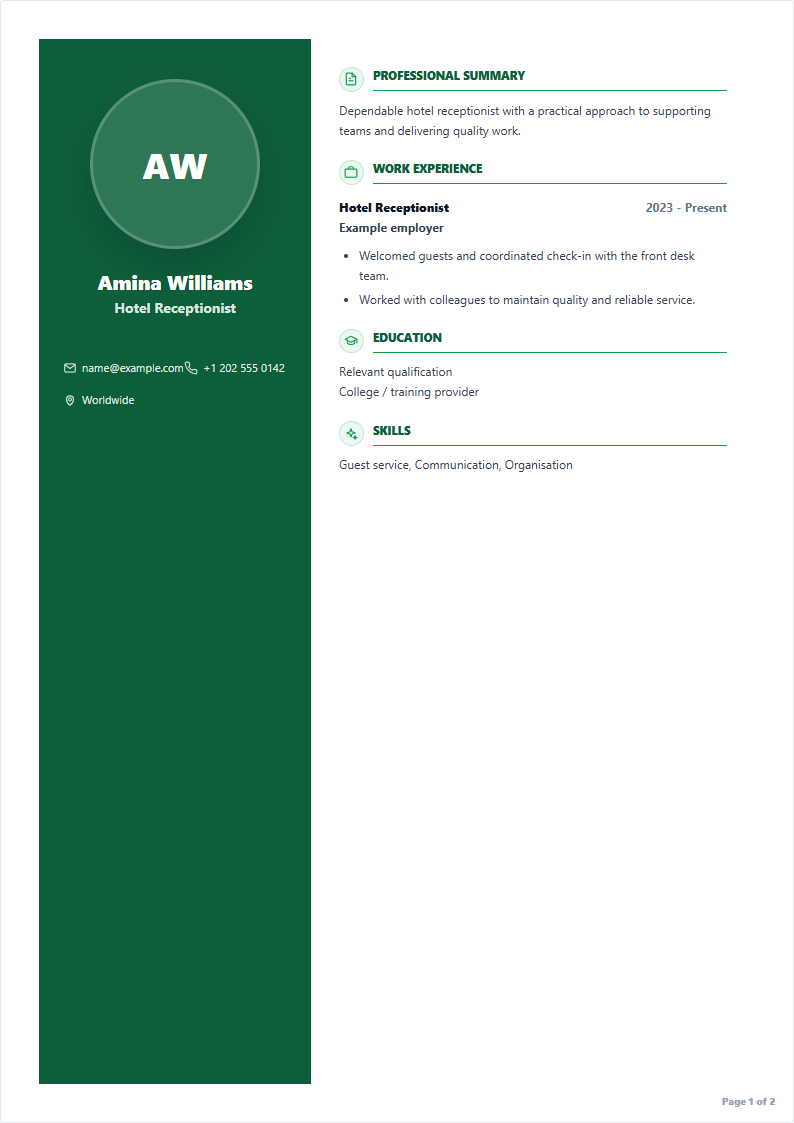
Your experience. A better first impression.
Choose your industry, explore the layout, and make it your own.
Sample details are illustrative. You can edit every field and switch designs in the builder.
Build a professional CV in minutes
A guided path from your first detail to your next application.
Watch the 2-minute walkthrough
Choose a template, add your details, improve your CV with AI, and download your PDF.
Start my free CV- 1
Choose a template
Start with a job-specific layout for hospitality, IT, finance, engineering, logistics, skilled work, or general roles.
- 2
Upload or start from scratch
Import your existing CV or type your details manually in the guided builder.
- 3
Add your key details
Review personal information, work history, education, skills, languages, certifications, and optional global hiring fields.
- 4
Improve with AI
Rewrite weak descriptions, fix grammar, and turn basic duties into professional CV wording before you approve them.
- 5
Check your CV strength
Use the live preview and CV score to see what is complete and what still needs improvement.
- 6
Download or save
Download an ATS-friendly PDF for free, or sign in to save and manage versions online.
Make your experience easier to understand.
You bring the experience. Get help putting it into words.
Clearer writing, with your approval.
Check spelling, fix grammar, and make your work descriptions more professional.
Help guest check in and answer question.
Suggested wordingAssisted guests with check-in and answered enquiries clearly and professionally.
Illustrative rewrite. You approve changes before they enter your CV.Keep the experience you've already written.
Import your existing CV, then review and edit your personal details, experience, education, and skills in the builder.
Import my CVSee what still needs attention.
Follow the live preview and CV strength guidance as you add details. Designed for ATS readability; no score guarantees an interview.
Your next opportunity has no borders.
Make your experience ready for a new audience. Translate your CV, refine the wording, and keep every detail yours.
- English
- French
- German
- Arabic
- Dutch
Another language in mind? You can choose it in the builder.

Download today. Or save for later.
Just need a CV?
Build and edit without an account. Verify your email with an OTP, then download PDF or Word. Your CV is not saved online.
Create my CVWant to keep your versions?
Create a free account to save up to 10 CVs online. Online copies are stored for 15 days, so download your files for your own records.
Build and save onlineIs BuildMyCVNow really free?
Yes. You can create, preview, and download your CV for free. There is no hidden paywall at the download step and no credit card is required. The free CV may include an optional small credit line, which you can turn off in the builder settings.
Do I need to sign up to download my CV?
No. You can build and download a CV without creating an account. Download-only users verify by email OTP before download. Signing in is useful if you want to save and manage CV versions online.
Can I use BuildMyCVNow outside the UAE or GCC?
Yes. BuildMyCVNow is available globally. You can use it for local jobs, overseas applications, remote roles, and international recruitment. Some fields, such as visa status, nationality, photo, or driving license, are optional so you can match the hiring rules in your country.
What CV format works for global job applications?
Most employers prefer a simple, readable CV with contact details, professional summary, work experience, skills, education, certifications, languages, and references when relevant. A clean one or two page ATS-friendly format works well for many countries and industries.
What is an ATS-friendly CV?
ATS means Applicant Tracking System. It is software that scans CVs before a recruiter reads them. An ATS-friendly CV uses normal text, clear headings, keywords from the job post, and avoids tables, heavy graphics, and text boxes that software may not read correctly.
Should I include visa status, nationality, or a photo?
It depends on the country and job type. Some markets ask for visa status, nationality, driving license, or a professional photo, while others do not. BuildMyCVNow makes these fields optional so you can include them only when they help your application.
How long should my CV be?
For most entry-level and mid-level jobs, one to two pages is enough. Fresh graduates and helpers can usually use one page. Experienced professionals, engineers, finance staff, nurses, and managers may need two pages if the information is relevant.
Can I build my CV on my phone?
Yes. BuildMyCVNow is designed for mobile screens. You can choose a template, fill your details, check the live preview, and download your PDF from your phone.
Can I create a cover letter too?
Yes. The app includes a cover letter builder that uses your CV details and selected job category to create a simple professional letter. You can edit every paragraph before download.
Is my data safe?
You can use download-only mode if you do not want cloud saving. In that mode your CV stays in your browser, and your email address is processed only for OTP verification before download. If you sign in to save CVs, your data is stored using Supabase under your account for up to 15 days.
Your next opportunity starts with your CV.
Create it, check it, and download it for free.